

Existing wired alarm panel
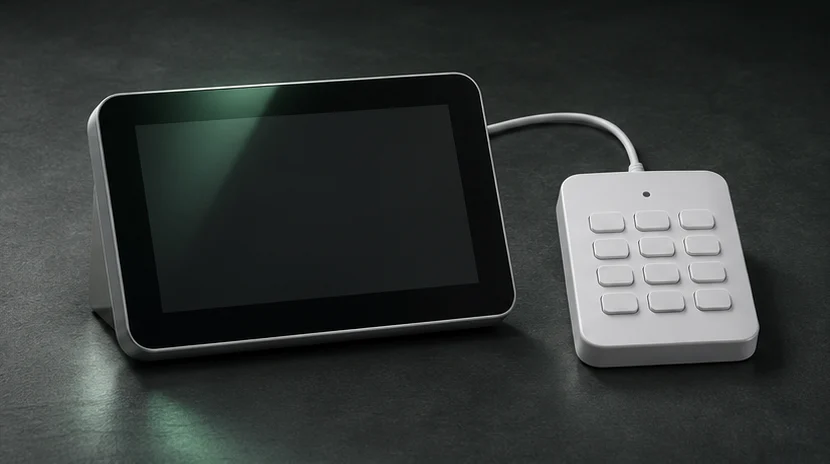
Resideo VISTA-15P
This was part of the older lineup and still merits a compatibility conversation for properties with VISTA equipment. The keypad, zones and existing monitoring influence possible work.
Compare alarm platforms and learn what matters when keeping wired sensors or changing a panel.
651-728-6900When an alarm comes with an older Minneapolis property, the keypad is often the only part a new owner recognizes. The control panel, sensors, communicator and monitoring arrangements can all be separate. Identify the equipment and contact responsible for it before deciding what to retain or change.
Start with what is already protecting the building. An alarm keypad on a wall does not identify every sensor, communicator or monitoring agreement behind it. If you moved into a property with an older system, gather the visible model information and find out who manages the equipment. Call to confirm equipment, support and what work can be arranged.
Ask whether each existing sensor and zone can be supported, and which keypad or communications equipment would be part of the work.
Confirm the specific variant, supported sensors and account. Compare everyday actions such as setting the alarm, managing users and receiving notifications.
Have the authorized provider identify compatible wired and wireless devices, communications and who will support the installation and monitoring.
This was part of the older lineup and still merits a compatibility conversation for properties with VISTA equipment. The keypad, zones and existing monitoring influence possible work.
A comparison candidate for a wired building when you want to retain compatible parts. Confirm the exact configuration, zone count and provider support.
Consider it when a modern user interface and compatible wireless devices fit the property. Existing sensors may or may not work with the specific panel variant.
An option to compare when reviewing newer alarm controls. Match sensors, account arrangements and communications to the actual installation before committing.
Check if a hybrid panel and compatible modules address a mixed wired and wireless installation. Review provider and device compatibility with the responsible contractor.
Talk through whether a newer platform suits the location, what devices would be retained and who will handle monitoring, support and handoff.
Call to confirm the model, fit and current availability.
Find the model on documentation or a label you can read safely. Tell us if the system is monitored or tied to a lease, and ask the current provider who is permitted to make changes before you schedule work.
Hardwired contacts, wireless sensors and communicating equipment have different compatibility requirements. Request a list of what would be reused, what would be replaced and which features would be tested.
At a storefront or several suites, establish who handles the account, training and after-hours contacts. If a piece of equipment also relates to fire or life safety, have the building’s authorized provider identify and handle that scope.
Look for paperwork, a label you can safely read or the model information displayed through the equipment’s ordinary user screen. A tenant or new owner should ask who owns the equipment and the monitoring account. Avoid changing any existing service until the people responsible for the property know what stays active.
Request a list of what would be replaced, what can stay and what relies on a new agreement or accessory. Confirm testing, staff or household handoff and who to call if the system reports a fault. If any equipment is part of a required fire or other life-safety system, involve the property’s authorized specialist.
Commercial Locksmith · Resideo VISTA platform overview · More product categories
Some sensors may be usable with a compatible panel. A provider should identify the sensors, communicator and panel variant before a choice is made.
Use the documents or visible model information to identify the panel and contact the responsible provider. A similar keypad may be used with several configurations.
Equipment and monitoring are separate parts of a service arrangement. Ask who provides, bills and supports monitoring and what communications the installation needs.
We can start with the type of door or system you have and what needs to change.